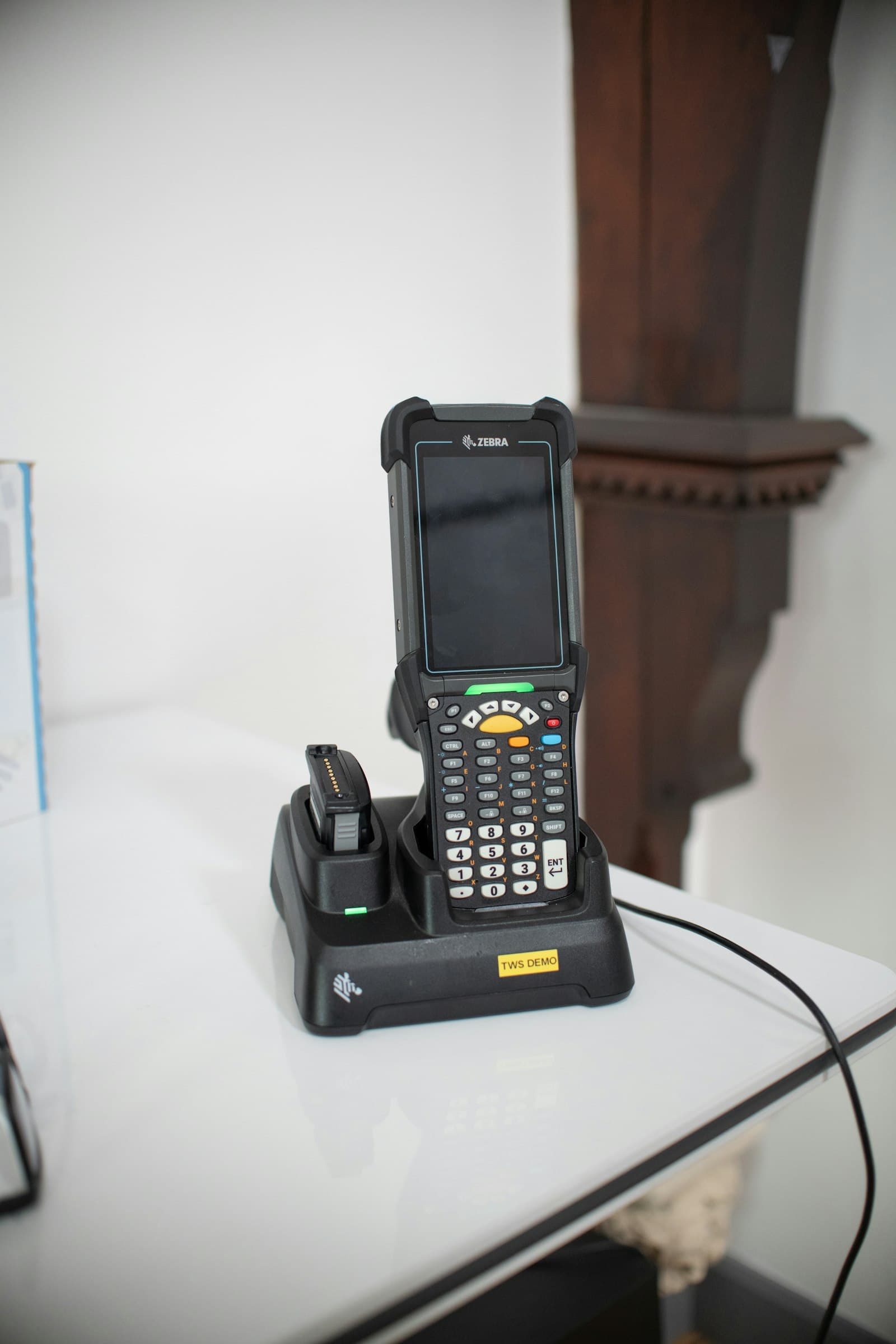
Hardware Breakdown: Picking the Right Thermal Printer and Touch Terminal
Slow receipt cutters and unresponsive touch screens bottleneck cash counters during peak hours. We review key hardware specifications for high-volume retail environments.
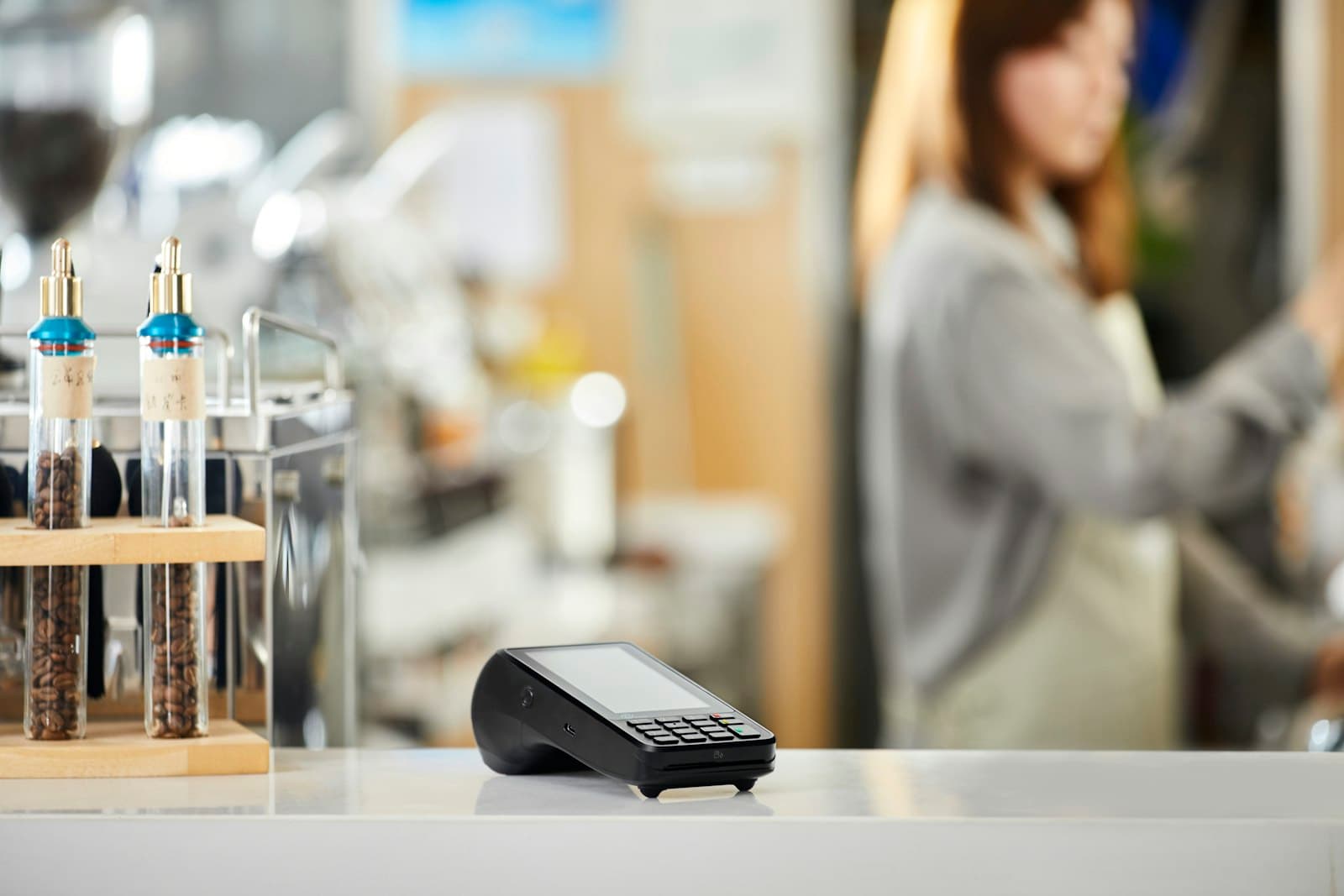
When choosing point-of-sale hardware for busy retail counters, reliability under stress is the defining criterion. A 2-second delay per customer at the receipt printer translates into 20 extra minutes of wait time during busy weekend peaks.
Key Hardware Specifications That Actually Matter
Retail environments expose hardware to continuous touch, dust, thermal cycling, and voltage spikes. Consumer-grade tablets and budget printers frequently suffer from touchscreen degradation and print head burnout.
Capacitive vs. Resistive Touchscreens: Industrial true-flat capacitive screens support multi-touch gestures, resist liquid spills, and maintain sub-10ms response over 50 million taps.
Auto-Cutter Thermal Heads: Heavy-duty 260mm/sec Japanese thermal print mechanisms withstand continuous 150km paper roll printing without blade jams.
Omnidirectional 2D Imagers: Wide-angle barcode scanners read damaged foils, curved bottles, and smartphone screen QR codes in under 0.1 seconds from any orientation.
Related Operational Blueprints